


Photoshop
In my Technology Lab, we learned basic Adobe Photoshop skills. Using tutorials, my classmates and I practiced overlaying images, adding text, color correction, and other effects. The left-hand side shows the original image, and the right-hand side shows how I touched it up with Photoshop.


In the photo above, I cut out the original picture's sky and replaced it with a new one. I also added 3D text, symbols, and a faded orange half-circle for style.


For this photoshop, I straightened the photo, cropped it slightly, and played with the colors, contrast, and saturation. Now the photo really pops!
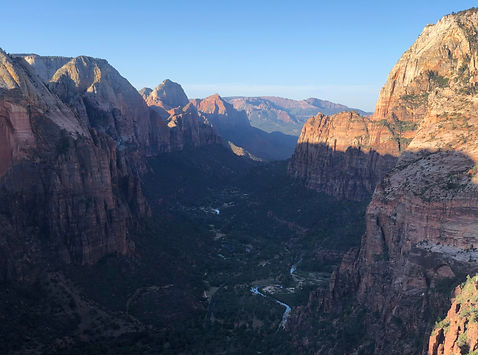

For our last photoshop activity, we got to photoshop any photo of our choice. I decided to minimally photoshop a picture I took of Zion in my summer of 2019. I added text, it's a bit brighter, a little more saturation in general, and I made redder hues stand out more.

